
Can scan barcode free work on any phone?

In today’s digital world, barcodes are everywhere. They appear on product packaging, restaurant menus, tickets, business cards, medicine boxes, and even event invitations. Many people want a quick and simple way to read these codes without paying for expensive software.
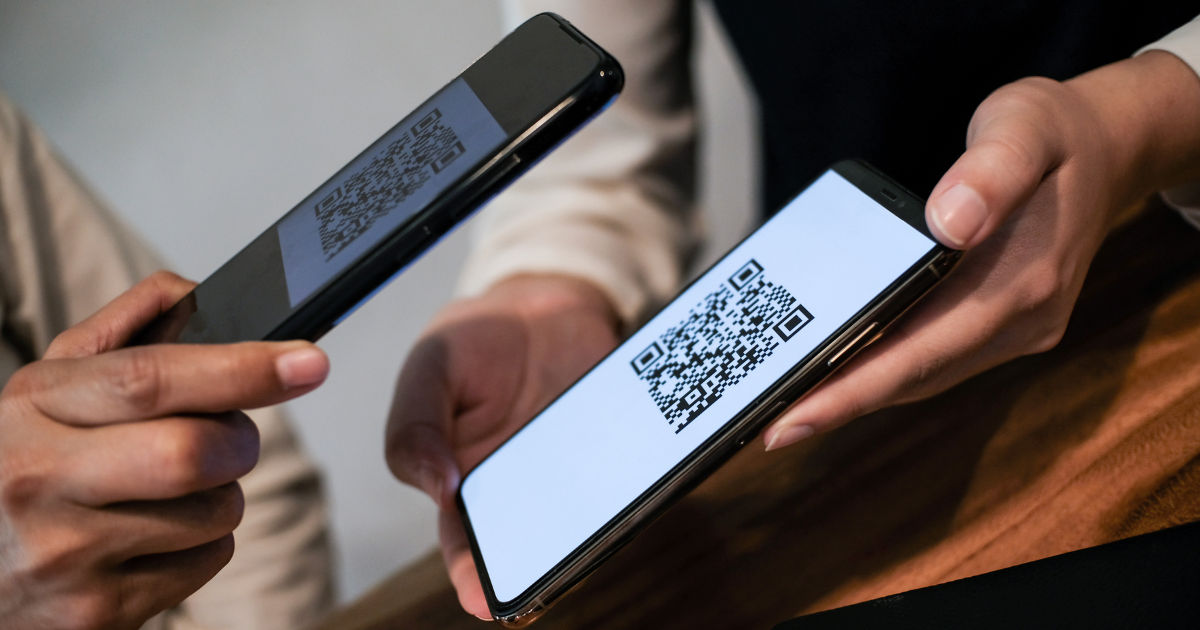
A scan barcode free solution can be a convenient option for users who need fast access to barcode information without additional costs. However, many people wonder whether these free barcode scanners can work on every type of phone.The answer depends on several factors, including the phone’s operating system, camera quality, software support, and the type of barcode being scanned.
Modern smartphones are usually capable of scanning barcodes, but older devices or phones with limited hardware may face some restrictions.This guide explains how free barcode scanning works, which phones support it, what limitations users may experience, and how to get the best results from a barcode scanner.
What Is a Free Barcode Scanner?
A free barcode scanner is a tool, application, or built-in phone feature that allows users to read barcode information using their smartphone camera. When the camera detects a barcode, the scanner analyzes the pattern and converts it into useful information.
Depending on the barcode type, the scanner may display:
- Product details
- Website links
- Prices
- Contact information
- Inventory data
- Tracking numbers
- Digital menus
- Payment details
Many free barcode scanning tools work through mobile apps, while some phones include barcode scanning features directly inside the camera app.
A scan barcode free tool is especially useful because users do not need specialized equipment. A regular smartphone camera can often perform the same basic function as a dedicated barcode reader.
Do Barcode Scanners Work on Every Phone?
Not every phone works exactly the same way. Most newer smartphones can scan common barcode formats, but compatibility depends on the device’s hardware and software.
Android Phones
Most Android phones can use free barcode scanning tools. Devices from brands such as Samsung, Google, Xiaomi, OnePlus, Motorola, and others generally support barcode scanning through apps or built-in camera features.
For Android phones to scan barcodes successfully, they usually need:
- A working rear camera
- A supported Android version
- Enough processing power
- Access to a barcode scanning application
Older Android phones may still work, but scanning speed and accuracy may not be as good because of lower camera quality.
iPhones
iPhones also support barcode scanning. Many recent iPhone models can recognize QR codes directly through the camera app. Other barcode types may require a dedicated application.
Apple devices usually provide reliable scanning because their cameras and software are designed to work together efficiently.
Older iPhones may still scan barcodes, but users might need third-party applications depending on the device model and iOS version.
What Types of Phones Can Use Barcode Scanning?
Barcode scanning is available on many different devices, including:
Smartphones
Most smartphones today can scan barcodes because they have high-quality cameras and enough processing power.
Examples include:
- Android smartphones
- iPhones
- Foldable phones
- Budget smartphones
- Premium flagship phones
Tablets
Many tablets with cameras can also scan barcodes. This is useful for businesses, schools, warehouses, and inventory management.
Older Mobile Phones
Older phones may have limitations. If a phone does not have a camera or has a low-resolution camera, barcode scanning may not work properly.
Some older devices may also lack support for modern scanning applications.
What Factors Affect Barcode Scanning Performance?
Even if a phone supports barcode scanning, several factors can influence how well it works.
Camera Quality
The camera is one of the most important parts of barcode scanning.
A phone with:
- Higher resolution
- Better focus capability
- Improved low-light performance
will usually scan barcodes faster and more accurately.
A damaged camera lens or blurry camera can make scanning difficult.
Software Compatibility
The scanning app must support the phone’s operating system. An application designed for newer Android versions may not work correctly on older devices.
Keeping the phone updated can improve compatibility and performance.
Internet Connection
Some barcode scanners work completely offline, while others need an internet connection to retrieve product information.
For example, scanning a barcode may only reveal a number without internet access, while online databases may provide additional product details.
Barcode Type
Not all barcodes are identical. Different industries use different barcode formats.
Common barcode types include:
- UPC codes used on retail products
- EAN codes used internationally
- QR codes used for websites and digital information
- Code 128 used in shipping and logistics
- Data Matrix codes used in manufacturing and healthcare
A scanner must support the specific barcode format being used.
How to Use a Free Barcode Scanner on a Phone
Using a barcode scanner is usually simple.
Step 1: Open the Scanner
Launch your phone’s built-in scanner feature or install a trusted barcode scanning app.
Step 2: Allow Camera Access
The scanner needs permission to use your camera. Without camera access, it cannot read the barcode.
Step 3: Position the Barcode
Hold your phone steadily and place the barcode inside the scanning area.
Make sure:
- The barcode is visible
- There is enough lighting
- The camera lens is clean
Step 4: Wait for Recognition
The scanner analyzes the barcode and displays the available information.
Most modern phones complete this process within seconds.
Can Free Barcode Scanners Work Without an App?
Yes, some phones can scan barcodes without downloading an extra application.
Many newer smartphones include barcode recognition directly in their camera software. Users simply open the camera, point it at a barcode, and receive a notification.
However, built-in scanning features may have limited functionality compared to dedicated scanning apps.
A specialized scan barcode free application may provide additional options such as:
- Saving scan history
- Creating personal barcode lists
- Comparing product information
- Exporting scanned data
Common Problems When Scanning Barcodes
Although barcode scanning is simple, users may experience problems.
Poor Lighting Conditions
Dark environments can make it difficult for the camera to recognize barcode patterns.
Using better lighting can improve results.
Damaged Barcode
A scratched, folded, or unclear barcode may not scan correctly.
If the barcode is physically damaged, the scanner may fail to identify it.
Wrong Distance
Holding the phone too close or too far away can prevent proper scanning.
Try moving the phone slowly until the barcode becomes clear.
Low Camera Quality
Older phones with weak cameras may struggle with small or detailed barcodes.
In such cases, upgrading the camera app or using better lighting may help.
Are Free Barcode Scanners Safe to Use?
Most free barcode scanners are safe when downloaded from trusted sources. However, users should be careful because some apps may contain excessive advertisements or request unnecessary permissions.
Before installing a scanner app, check:
- User reviews
- Developer information
- Required permissions
- Update history
A barcode scanner should normally only require camera access. Apps requesting unnecessary personal information should be avoided.
Benefits of Using Free Barcode Scanning Tools
Free barcode scanners provide several advantages.
Convenience
Users can scan products or information instantly without carrying special equipment.
Cost Savings
Businesses and individuals can avoid purchasing expensive barcode readers for basic scanning tasks.
Easy Access
Because smartphones are widely available, barcode scanning becomes accessible to almost everyone.
Multiple Uses
Barcode scanners can help with:
- Shopping
- Inventory tracking
- Product research
- Digital payments
- Event management
- Organization
Limitations of Free Barcode Scanners
Although useful, free scanners are not perfect.
Some limitations include:
- Advertisements inside apps
- Limited business features
- Fewer customization options
- Dependence on camera quality
- Possible compatibility issues on older devices
Professional businesses that manage large inventories may still require dedicated barcode equipment.
How to Improve Barcode Scanning Accuracy
Users can improve scanning performance by following a few simple steps.
Clean the Camera Lens
Fingerprints and dust can reduce image clarity.
Use Good Lighting
Bright, even lighting helps the camera detect barcode patterns.
Hold the Phone Steady
Movement can create blurry images.
Update Software
Keeping the operating system and scanning application updated can improve reliability.
Use a Supported Scanner
Choose a scanner that supports the barcode formats you need.
Can a Very Old Phone Scan Barcodes?
Some older phones can scan barcodes, but performance depends on their hardware.
A phone may struggle if it has:
- A low-quality camera
- Outdated operating software
- Limited processing power
- No support for modern applications
Basic barcode scanning might still work, but advanced features may not be available.
Free Barcode Scanning for Business Use
Small businesses often use free barcode scanners for simple tasks such as checking products, organizing inventory, or tracking items.
For example, a small store may use a smartphone scanner to quickly identify products without purchasing expensive hardware.
However, larger operations usually need professional systems with features like:
- Employee tracking
- Inventory management
- Database integration
- Automated reporting
A free solution is best for occasional scanning rather than large-scale commercial operations.
Future of Smartphone Barcode Scanning
Barcode technology continues to improve. Smartphones are becoming more powerful, and camera systems are getting better every year.
Future barcode scanners may include:
- Faster recognition
- Better artificial intelligence support
- Improved offline scanning
- More accurate product identification
As smartphone technology develops, barcode scanning will become even easier and more accessible.
Conclusion
A scan barcode free tool can work on most modern phones, including Android devices and iPhones. The main requirements are a working camera, compatible software, and support for the barcode type being scanned.
While almost any recent smartphone can handle basic barcode scanning, older phones may experience limitations because of weaker cameras or outdated software. Users can improve their experience by choosing reliable scanning tools, keeping their devices updated, and following proper scanning techniques.
Free barcode scanners are practical solutions for everyday needs such as shopping, product research, organization, and simple business tasks. They provide a convenient way to access barcode information without investing in expensive equipment.
Although professional environments may require advanced barcode systems, everyday users can rely on their smartphones to complete most scanning tasks quickly and easily.
With continued improvements in mobile technology, barcode scanning will remain a useful feature that makes accessing information faster and more convenient for people around the world.