
What is an instructional design company workflow?

An instructional design company follows a structured workflow to turn information, expertise, and learning goals into effective educational experiences. Whether the project involves an online course, employee training program, software tutorial, compliance training, or interactive e-learning module, a clear workflow helps ensure that every stage is planned and connected.
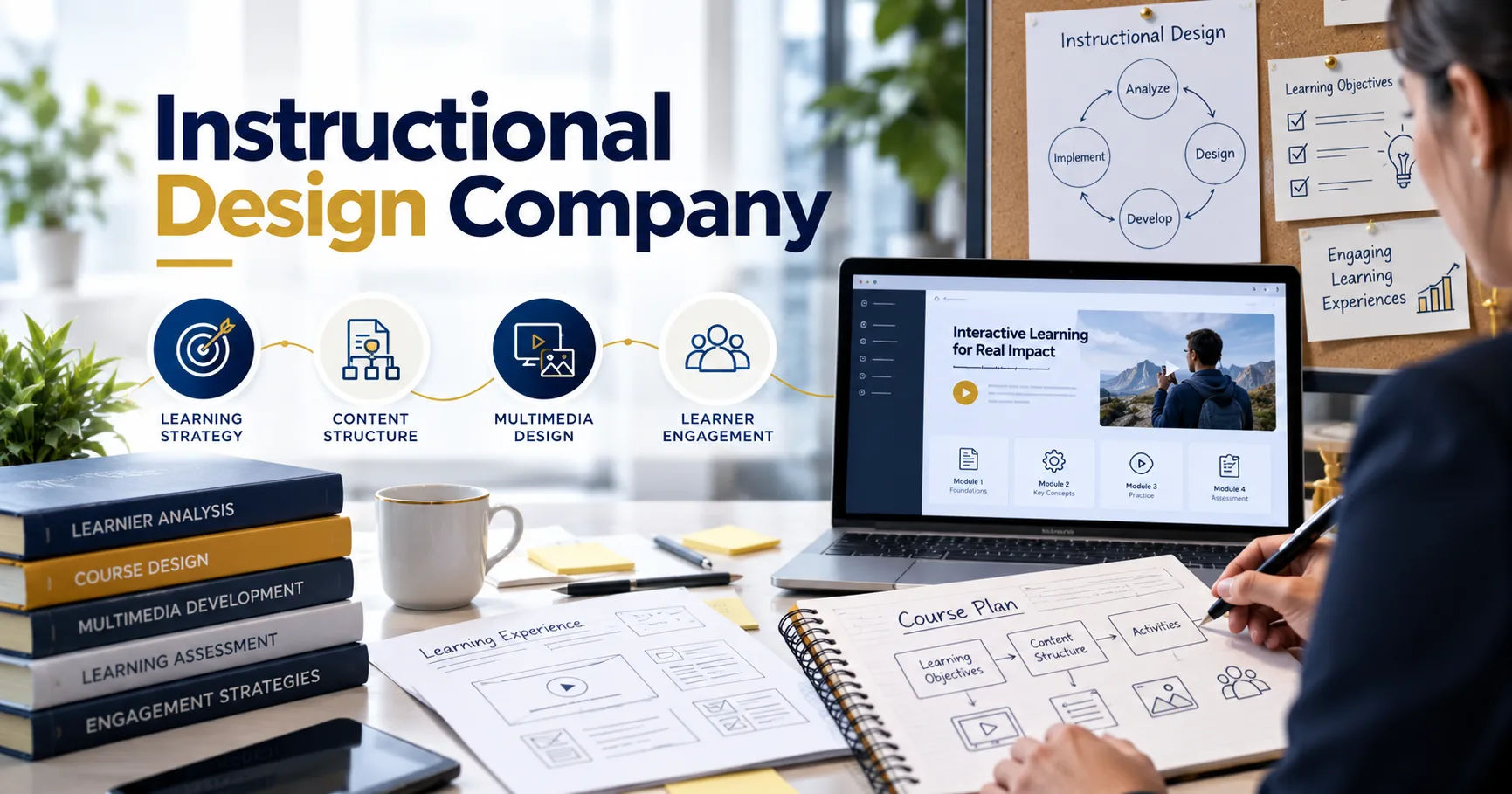
The process usually begins with understanding the learner and the organization's goals. It then moves through research, instructional planning, content development, design, production, testing, and evaluation. Each stage has a specific purpose, and the quality of one stage can directly affect the next.
Understanding this workflow is useful for businesses, educators, training managers, and anyone planning to develop digital learning content. It explains how a simple idea becomes a complete learning experience that is practical, engaging, and measurable.
Instructional Design
Instructional design is the process of planning and creating learning experiences in a systematic way. It combines education principles, technology, content development, visual design, and learner psychology.
The purpose is not simply to present information. The goal is to help learners understand information, practice skills, remember important concepts, and apply what they have learned.
For example, a company may want to train new employees on customer service. Simply giving employees a long document about customer service may not produce the desired results.
An instructional design team can instead create short lessons, examples, scenarios, quizzes, activities, and assessments. This makes the learning experience easier to follow and more practical.
Why Does an Instructional Design Workflow Matter?
A workflow creates consistency throughout the project. Without a defined process, teams may begin developing content before understanding the learning objectives or audience.
This can lead to unnecessary revisions, unclear lessons, inconsistent design, and missed deadlines.
A structured workflow helps teams answer important questions at every stage. Who are the learners? What should they learn? What should they be able to do afterward? How will learning be measured?
It also gives clients opportunities to review the project before too much time and money are spent on development.
The Main Stages of an Instructional Design Company Workflow
Although workflows can vary between organizations, most professional projects include several major stages.
1. Project Discovery
The workflow usually starts with a discovery phase.
During this stage, the team meets with the client or project stakeholders to understand the purpose of the training. They discuss the business problem, target audience, learning goals, delivery method, timeline, and available resources.
The team may also ask whether existing training materials are available.
These materials could include presentations, manuals, videos, documents, quizzes, policies, recorded workshops, or subject matter expert notes.
The discovery phase creates a foundation for the rest of the project.
2. Learner and Needs Analysis
After understanding the project, the team examines the learners.
Learners may have different levels of knowledge, experience, language ability, technical skills, and learning needs.
For example, training designed for experienced managers will usually be different from training created for employees who are entering the workplace for the first time.
A needs analysis identifies the gap between the learner's current knowledge or skills and the desired level of performance.
This helps the design team focus on what learners actually need instead of simply including every piece of available information.
3. Defining Learning Objectives
The next step is to establish clear learning objectives.
A learning objective describes what a learner should be able to do after completing a lesson or course.
For example, instead of saying that learners will "understand workplace safety," an objective might state that learners will be able to identify common workplace hazards and select the appropriate safety procedure.
Clear objectives make the rest of the project easier.
They influence the content, activities, assessments, and overall structure of the course.
4. Content Analysis and Organization
Once the objectives are established, the team organizes the available information.
Large amounts of information are often divided into smaller sections or modules.
This process helps prevent information overload.
An instructional design company may work with subject matter experts during this stage. Subject matter experts provide technical or industry knowledge, while instructional designers determine how that knowledge can be presented effectively to learners.
The two roles are different but complementary.
A subject matter expert may know exactly what should be taught, while an instructional designer focuses on how it should be taught.
Creating a Course Structure
The information may be organized into modules, lessons, topics, activities, and assessments.
For example, an employee training course might include:
- Introduction
- Workplace policies
- Common situations
- Practical examples
- Interactive scenarios
- Knowledge checks
- Final assessment
This structure gives learners a logical path through the material.
5. Instructional Strategy
After organizing the content, the team chooses appropriate instructional strategies.
Different subjects require different approaches.
Some topics can be explained effectively through short videos or demonstrations. Others may benefit from simulations, scenarios, discussions, case studies, or hands-on activities.
For example, software training may use screen demonstrations and guided practice.
Leadership training may use workplace scenarios and decision-making exercises.
Safety training may use simulations and realistic examples.
The strategy should support the learning objectives rather than simply make the course look entertaining.
6. Storyboarding
Storyboarding is an important part of the workflow.
A storyboard provides a detailed plan for what will appear in each section of the course.
It may include narration, on-screen text, graphics, animations, interactions, questions, and instructions.
A storyboard allows stakeholders to review the learning experience before full production begins.
This is valuable because changing a storyboard is usually easier than changing a completed course.
For example, if a client notices that a lesson contains too much technical information, the content can be adjusted during the storyboard stage.
7. Visual and User Experience Design
Once the instructional structure is approved, designers consider the visual experience.
The design should make information easy to understand and navigate.
Typography, colors, images, icons, animations, spacing, and layouts all contribute to the learner experience.
However, visual design should support learning rather than distract from it.
A professional course should have consistent navigation and a clear visual hierarchy.
Learners should know where to click, what to read, what to watch, and what to do next.
Accessibility Considerations
Accessibility should also be considered during design.
Depending on the audience and delivery environment, the project may require captions, transcripts, keyboard navigation, readable text, alternative descriptions for images, and appropriate color contrast.
Accessibility helps make learning available to a wider range of people.
8. Content Development
After the design is approved, production begins.
The team develops the actual learning materials.
This could include writing lesson content, recording narration, creating graphics, producing animations, building interactions, developing quizzes, and preparing downloadable resources.
Different specialists may participate in this stage.
Writers focus on language and instructional content. Designers create visual elements. Developers build interactive components. Voice professionals may record narration.
The exact team depends on the size and complexity of the project.
9. E-Learning Development
For digital learning projects, developers often use authoring tools to transform the approved design into an interactive course.
The course may include buttons, menus, quizzes, branching scenarios, videos, animations, simulations, and other interactive elements.
The finished course may need to work with a learning management system.
Technical standards and requirements can therefore become important.
The development team tests navigation, functionality, media, responsiveness, and other technical elements before delivery.
10. Review and Feedback
Review is an essential part of the workflow.
The client, subject matter experts, instructional designers, and other stakeholders may review the course.
Feedback should ideally be collected in an organized way.
For example, reviewers may identify inaccurate information, unclear wording, technical problems, missing content, or design issues.
An instructional design company can then make revisions based on approved feedback.
Having a defined review process helps prevent conflicting instructions and repeated revisions.
Managing Revisions
Too many uncontrolled revisions can increase project costs and delay delivery.
For this reason, professional projects often establish review stages and approval points.
The client may approve the learning objectives first, then the content and storyboard, followed by the visual design and final course.
This creates accountability for both the development team and the client.
11. Quality Assurance Testing
Before the course is released, it should go through quality assurance testing.
Quality assurance checks whether the course works as intended.
Testers may review links, buttons, navigation, spelling, audio, video, animations, assessments, and other components.
They may also test the course on different devices or browsers when required.
For learning management system projects, the team may verify that tracking and completion settings work correctly.
Quality assurance is important because even a small technical problem can interrupt the learner's experience.
12. Final Approval and Delivery
After revisions and testing are complete, the client provides final approval.
The finished learning product is then prepared for delivery.
Depending on the project, this may involve uploading the course to a learning management system or providing the required digital files.
The delivery stage may also include documentation, administrator instructions, source files, or training for the client's internal team.
A clearly documented handoff makes it easier for the client to manage the course after the project ends.
13. Implementation
Creating the course is only part of the process.
The next step is implementation.
Learners need access to the training, and administrators may need to monitor participation and completion.
For corporate training, implementation might involve assigning courses to employees through an LMS.
For educational programs, the content may be integrated into an existing curriculum.
Implementation should match the original goals and technical environment.
14. Evaluation and Improvement
A strong workflow does not necessarily end when the course is delivered.
Evaluation can reveal whether the training actually achieved its objectives.
Organizations can examine completion rates, assessment results, learner feedback, engagement data, and workplace performance where appropriate.
For example, if employees complete a training course but continue making the same mistakes, the organization may need to review the training strategy.
This information can guide future improvements.
Measuring Learning Outcomes
Evaluation can happen at different levels.
Learners may complete quizzes to demonstrate knowledge.
Practical activities can measure skills.
Surveys can collect learner opinions about the experience.
Business or workplace data may provide additional evidence about whether training contributed to desired outcomes.
The measurement method should match the original learning objective.
How Communication Fits Into the Workflow
Communication connects every stage of the process.
Clients need to provide accurate information and timely feedback.
Subject matter experts need to clarify technical details.
Designers and developers need to understand approved requirements.
Project managers help coordinate deadlines, responsibilities, and approvals.
Poor communication can create confusion even when everyone involved has strong technical skills.
Regular meetings, shared documents, review systems, and clear approval procedures can make collaboration easier.
How Technology Supports the Workflow
Modern instructional design uses many different technologies.
Authoring tools help teams create interactive courses.
Learning management systems help organizations distribute and track training.
Video tools support demonstrations and explanations.
Graphic design applications help create visual materials.
Collaboration platforms allow distributed teams to review and discuss projects.
Artificial intelligence can also assist with certain tasks, such as generating initial content ideas, creating drafts, organizing information, or supporting production workflows. Human review remains important because educational content needs to be accurate, appropriate, and aligned with the learning objectives.
How Long Does the Workflow Take?
The timeline depends on the project's size and complexity.
A short internal training module may take considerably less time than a large compliance program containing dozens of lessons, videos, simulations, and assessments.
Other factors include the amount of existing content, number of stakeholders, review cycles, technology requirements, and customization level.
A realistic timeline should therefore be established after the scope has been understood.
Common Challenges in Instructional Design Projects
Several challenges can affect the workflow.
One common issue is unclear objectives. If the project does not have a clear purpose, the content can become too broad.
Another challenge is excessive content. Subject matter experts may want to include everything they know, but learners may struggle with large amounts of information.
Frequent changes can also create delays.
Technical limitations may affect interactive elements, media, or LMS integration.
Finally, insufficient testing can allow errors to reach learners.
A structured workflow helps reduce these risks.
How to Choose an Instructional Design Company
Organizations should consider several practical factors when selecting a provider.
Look at the company's experience with similar projects and industries. Review examples of previous work where available.
It is also useful to understand how the company handles communication, feedback, revisions, testing, and project management.
Ask about the technologies they use and whether they can support the required learning platform.
Most importantly, make sure the provider understands the learning problem rather than focusing only on visual production.
A beautiful course is not automatically an effective course.
The instructional strategy, learner experience, accessibility, assessment, and measurable objectives are equally important.
Conclusion
An instructional design company workflow provides a structured path from an initial training idea to a completed learning experience. The process generally includes discovery, needs analysis, learning objectives, content organization, instructional strategy, storyboarding, design, development, review, quality assurance, delivery, implementation, and evaluation.
Each stage serves a specific purpose. Early analysis ensures that the project addresses the right learning need. Clear objectives provide direction. Storyboarding allows stakeholders to review the learning experience before full production. Development transforms the approved plan into an actual course, while quality assurance helps identify problems before learners encounter them.
The workflow also depends heavily on communication. Subject matter experts, designers, developers, project managers, and clients need to work together throughout the project. Clear responsibilities and organized feedback can reduce unnecessary revisions and keep development moving.
Technology has expanded what instructional design teams can create. Interactive courses, simulations, videos, assessments, and learning management systems can support different learning needs. At the same time, technology should remain a tool rather than the central purpose of the training.
Ultimately, the workflow is designed to connect business or educational goals with learner needs. When each stage is carefully planned, the final learning experience can be easier to understand, more engaging, accessible to a wider audience, and more useful in real-world situations.